
Plug in. Unplug.
A little gratitude. Or a very dramatic goodbye.
Small app. Big personality.
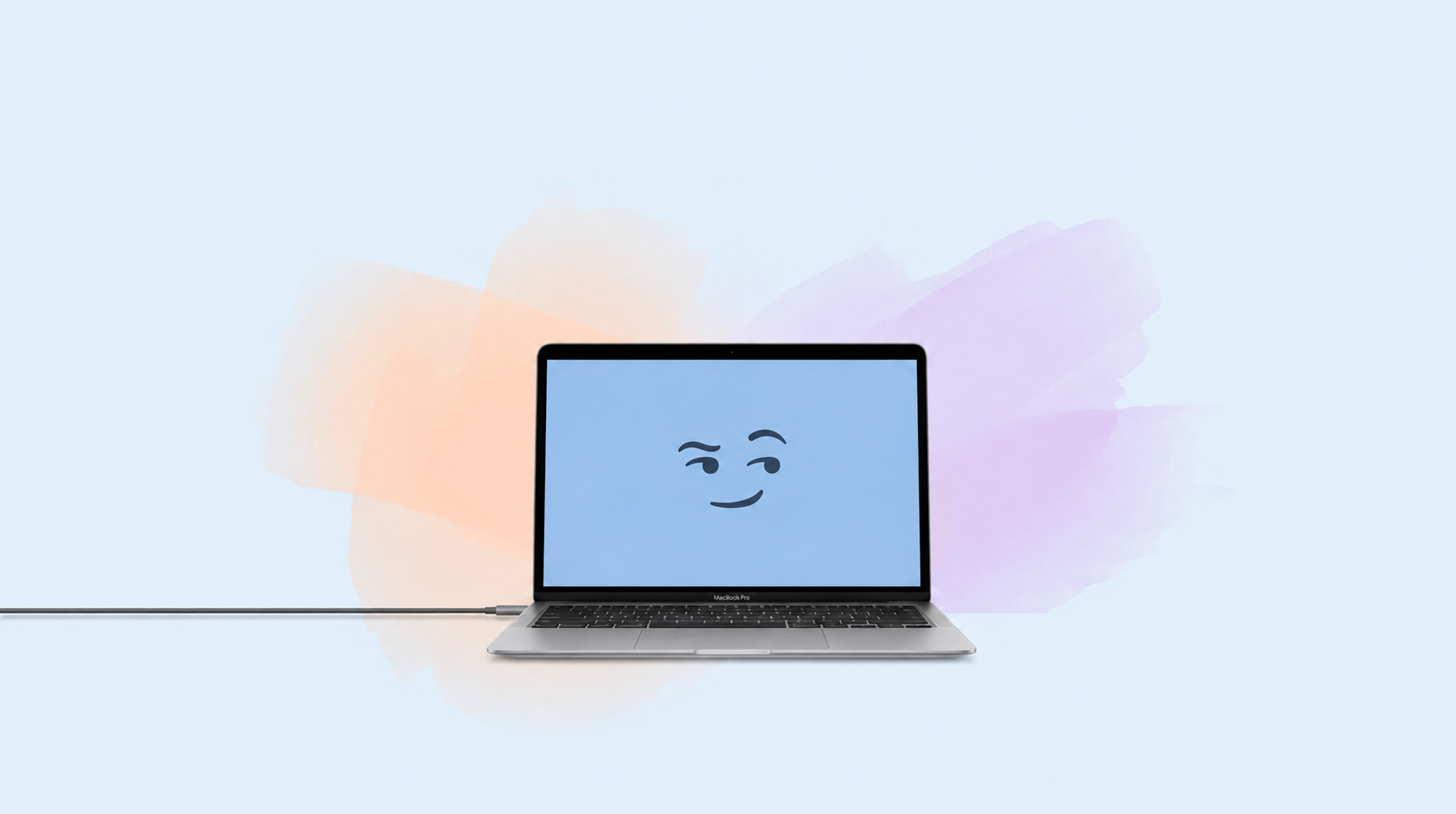
It reacts when you plug in, unplug, or wake it up.
Pick a personality. Let the drama begin.
macOS 13+ · Apple silicon & Intel · No account needed
MEET YOUR NEW DESKMATE
Four personalities. One very opinionated computer.
“Oh! I needed that!”
Click an event to hear how your Mac would react.It’s the Mac you know. With a few things to say.
A little gratitude. Or a very dramatic goodbye.
Even your USB drive deserves a proper welcome.
Your Mac has a few words about that 5%.
An external display. A whole new audience.
Not every Mac is a morning Mac.
Sweet in the morning. Dramatic by lunch. Switch personalities whenever the mood takes you.
Built-in voices. Played locally on your Mac.A meeting? A library? Set quiet hours, choose headphones only, or pause reactions in a click.
Keep the drama between you two.Headphones-only mode and scheduled quiet hours are available in the Mac app.
LESS SETUP. MORE PERSONALITY.
No account. No complicated dashboard. Just your Mac, with feelings.
Download FeelMyMac and drag it into your Applications folder.
A little sweet? A little dramatic? Choose your new desk companion.
Your first reaction is one everyday moment away.
A FEW HUMAN QUESTIONS
Small app. No big mysteries.
FeelMyMac requires macOS 13 Ventura or later. The same app supports both Apple silicon and Intel Macs.
No account or sign-in is needed to use FeelMyMac. Choose a personality and let your Mac react to everyday moments.
No. FeelMyMac reacts to system events such as power, battery, and device connections. It does not need your microphone or camera. Voice clips play locally on your Mac.
Yes. Choose which events trigger a reaction, adjust the volume, set quiet hours, or pause reactions altogether. There is also a headphones-only setting in the Mac app.
Yes. The samples on this page are taken directly from the app. The four personalities speak English, with different clips for everyday events. Angry Mac has a deliberately grumpy, demonic voice and uses some strong language.
No. Plug in a charger, connect a USB device or display, or wake your Mac. Physical tap detection is not part of the app.
YOUR DESK COULD USE A LITTLE DRAMA.
A tiny app. A surprisingly good time.
macOS 13+ · Apple silicon & Intel